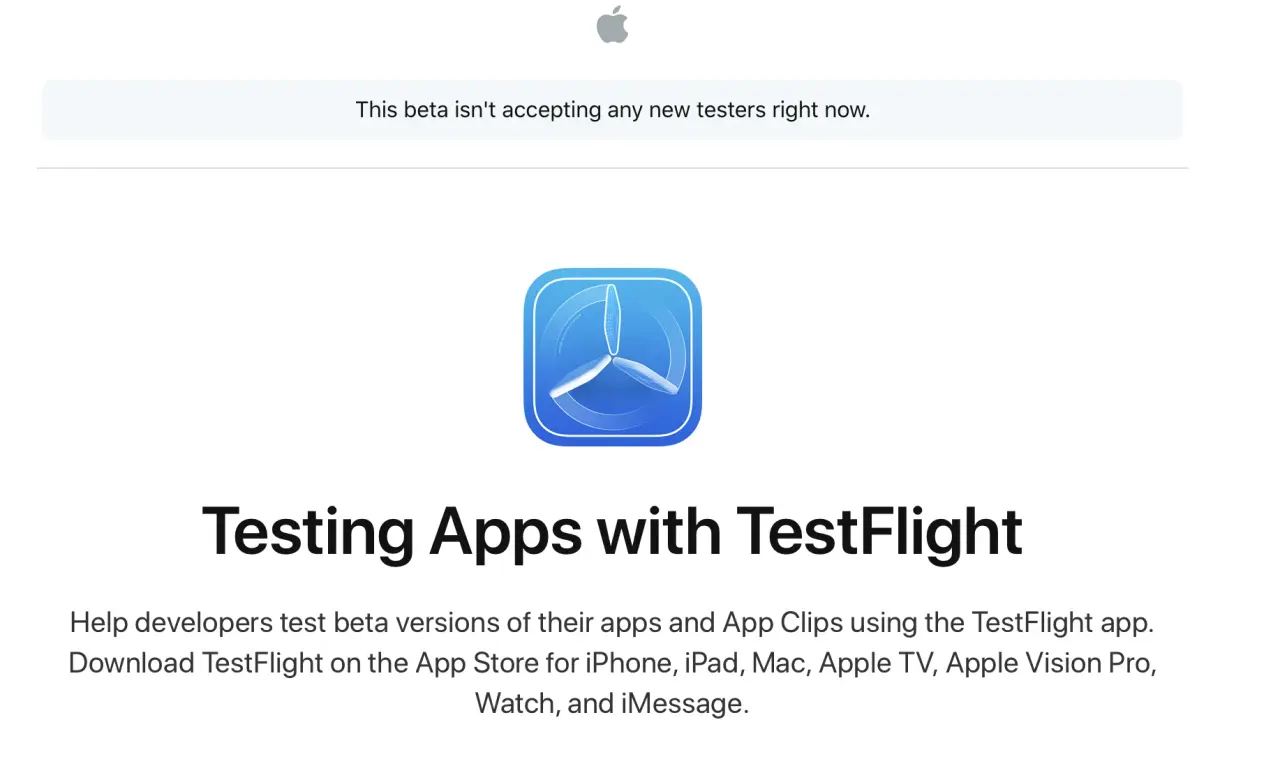
Few things are more frustrating for Apple enthusiasts than tapping an exciting TestFlight invitation link only to be greeted by the dreaded message: “This beta is full” (or “This beta isn't accepting any new testers right now”). Whether you are attempting to test an unreleased game, a viral AI client, or a productivity tool, hitting Apple's tester cap feels like a brick wall. But is a full TestFlight beta truly closed forever?
The short answer is no. In reality, TestFlight beta rosters are dynamic ecosystems where hundreds of slots churn open and close every day. In this comprehensive 2026 guide, we break down why TestFlight betas hit capacity, the internal mechanics of Apple's tester ceilings, and the proven strategies—powered by the CodeWing platform—to secure your spot in full betas.
⚡ The CodeWing Live Slot Tracker
Tired of refreshing dead TestFlight links? CodeWing (codewing.in) continuously monitors over 17,600+ active TestFlight links around the clock. When active testers delete an app or developers prune dormant users, CodeWing detects newly available slots instantly and notifies community testers before spots fill up again.
Why Does Apple Show "This Beta is Full"? (The Technical Limits)
To understand how to get in, it helps to understand Apple's App Store Connect rules. Apple enforces strict caps on how many people can test pre-release builds:
- 10,000 External Testers Limit: Apple allows a maximum of 10,000 external public testers per app. Once 10,000 Apple Accounts tap "Accept", Apple's CDN automatically serves the "This beta is full" prompt to any subsequent visitor.
- Internal vs. External Testing: Developers can have up to 100 internal team testers (members of their App Store Connect organization). Public invitation links (the URLs starting with
testflight.apple.com/join/) belong exclusively to external groups subject to the 10,000 ceiling. - Per-Link Caps: Developers can additionally configure custom caps on individual public links (such as capping a specific campaign at 500 or 1,000 testers) to manage server loads during initial alpha phases.
- Viral Link Surges: When an app gets spotlighted on TikTok, Reddit, or X (Twitter), thousands of users tap the link simultaneously, filling open slots in minutes.
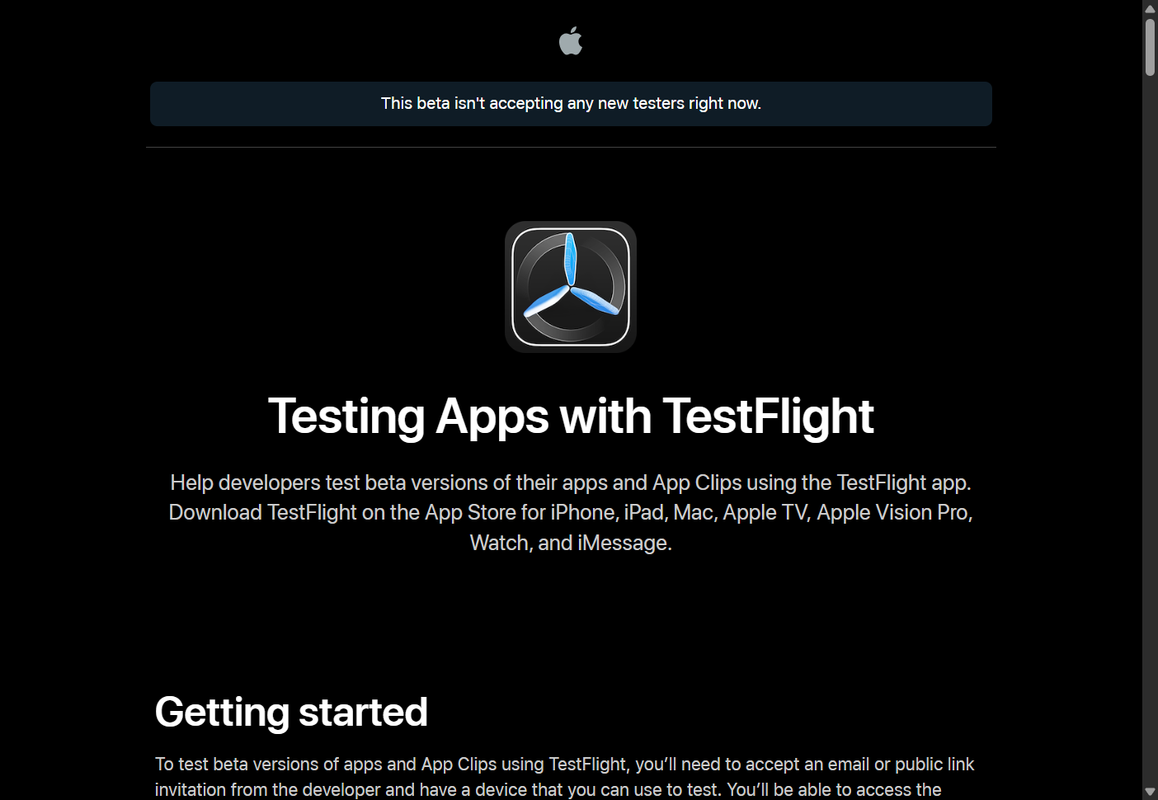
The standard Apple TestFlight public invitation page showing the tester capacity limit.
The Secret to Joining: How Slots Open Up Multiple Times Daily
Many users assume that once a TestFlight beta hits 10,000, it is permanently closed. In practice, TestFlight slots open up constantly due to natural tester turnover:
- Automated Developer Pruning: Serious app studios don't want "slot hoarders." Developers use App Store Connect analytics to identify testers who haven't launched the app in 14 to 30 days and bulk-remove them, opening up hundreds of spots at once.
- The 90-Day Build Expiration: Apple limits all TestFlight builds to a 90-day lifecycle. If a tester does not install a new build when the old one expires, their registration frequently lapses.
- Voluntary Tester Exits: Users frequently tap "Stop Testing" inside TestFlight after trying an app, freeing their slot immediately.
- Graduation to App Store Production: When a game or app officially releases on the App Store, early testers uninstall the beta to download the public release, creating waves of empty slots.
5 Proven Methods to Get Into a Full TestFlight Beta
Method 1: Use CodeWing Live Slot Alerts (Fastest & Most Reliable)
Manually refreshing a TestFlight link dozens of times a day is tedious. CodeWing automates this entire process:
- Search for the application on CodeWing Search.
- If the app status is listed as Full, click the "Get Slot Alerts" button.
- Subscribe to the official Telegram broadcast channel at @testflight_link on Telegram, where CodeWing posts instant alerts the second spots open up.
- As soon as a notification drops, tap the link immediately to claim the reopened slot.
Method 2: Check During Developer Update Cycles
Indie developers and engineering teams generally upload new TestFlight builds on predictable schedules:
- Tuesday through Thursday mornings (PST): Peak deployment windows when developers clean out inactive testers before releasing new features.
- Directly after an announcement tweet or Discord post: Developers often expand their tester caps or generate brand-new secondary invite links.
Method 3: Reach Out Directly to the Developer
If the public link is completely locked, reach out to the development team on Discord, Twitter/X, GitHub, or their official support email. Developers appreciate dedicated beta testers. Send a brief, professional note:
Method 4: Clean Up Your Own TestFlight Library
Did you know that keeping dozens of inactive TestFlight apps on your device can sometimes cause cache synchronization bugs in the TestFlight client?
- Open the TestFlight app on your device.
- Scroll through your active betas and find any apps you haven't opened in weeks.
- Tap the app, scroll to the bottom, and tap Stop Testing.
- This frees a slot for someone else in the community and keeps your local Apple Account clean.
Method 5: Discover Verified Open Alternatives on CodeWing
If the exact beta you want is full and has no active turnover, you don't have to wait empty-handed. CodeWing organizes thousands of open betas by category:
- Browse the Open Now Feed for verified betas with hundreds of available slots.
- Filter by platform: iOS Apps, Mac Betas, iPadOS Apps, or visionOS Spatial Apps.
Never Miss an Open TestFlight Beta Again
Join thousands of Apple power users tracking open beta slots and indie gems on CodeWing.
Explore Open Betas on CodeWing →For Developers: How to Manage the 10,000 Tester Ceiling
If you are an iOS developer whose TestFlight link is constantly full, congratulations! You have high demand. However, a full link means you are missing out on fresh tester data and crash telemetry. Here is how top studios optimize their tester pools:
- Regularly Prune Inactive Users: In App Store Connect → TestFlight → External Groups, sort your testers by Sessions or Crashes. Select users with 0 sessions over the past 30 days and click Remove. This immediately frees up valuable slots for active users.
- Segment Public Groups: Create separate public groups for different marketing channels (e.g. "Reddit Cohort", "Twitter Cohort", "CodeWing Launch"). This lets you track which community yields the highest crash feedback.
- List Your Beta on CodeWing: Visit codewing.in/submit to index your app on the leading directory. When you purge inactive slots, CodeWing's algorithms alert genuine testers who are eager to give feedback.
Frequently Asked Questions (FAQ)
Can Apple or developers increase the 10,000 TestFlight tester limit?
No. The 10,000 tester cap is an Apple platform limit built directly into App Store Connect for external public testing. Developers cannot pay Apple to increase this limit. The only way to accept new testers is to prune inactive accounts or release the app on the public App Store.
Is there a bypass or cheat code for full TestFlight links?
No. TestFlight security is verified server-side by Apple's authentication infrastructure. Any website or video claiming to have a "hack" or "bypass code" for full TestFlight betas is illegitimate or dangerous. The only legitimate way to join is when an open slot becomes available on Apple's servers.
How do CodeWing slot alerts work?
CodeWing runs automated monitoring daemons that periodically inspect Apple's public join endpoints. When our system detects that an app has dropped below its maximum tester threshold, it immediately broadcasts a live slot notification across the CodeWing website and Telegram channel.
Do in-app purchases work if I join a full beta after a slot opens?
Yes! Once you are accepted into the beta, you enjoy all standard TestFlight benefits, including 100% free simulated $0.00 sandbox in-app purchases and 90-day build access.
What should I do if a TestFlight link says "This build has expired"?
"This build has expired" means the 90-day testing window elapsed and the developer has not yet submitted an updated build to Apple. Keep the app on your TestFlight dashboard or follow the developer—once they push a fresh update, the install button will reactivate automatically.